
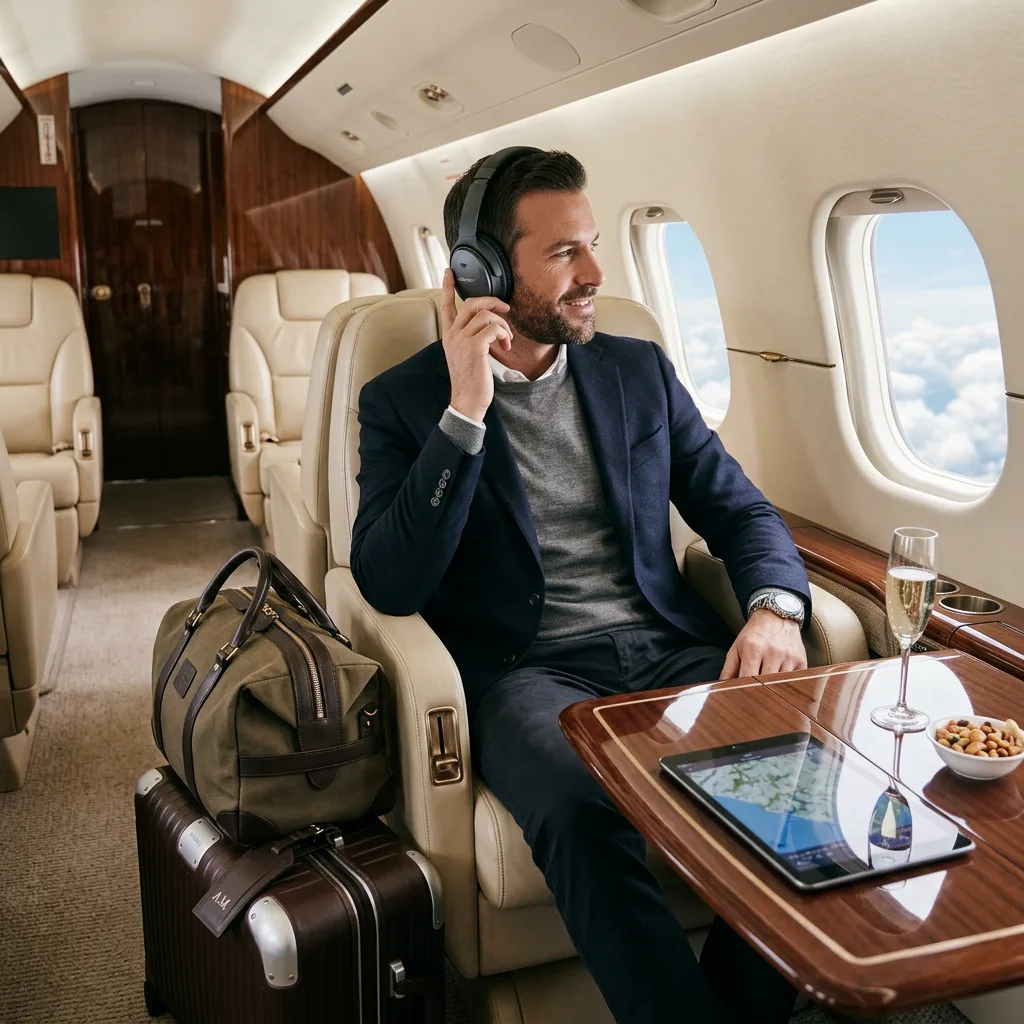
A five-hour flight is the largest block of uninterrupted time most professionals get in a week. No meetings, no drop-ins, no notifications unless you pay for them. Used well it is the most productive stretch of the trip. Used badly it is five hours of a cramped seat and a film you have already seen.
The difference comes down to about six items and one habit. Here is the kit.
For the full packing list, see our business travel essentials guide. This is specifically about working in the seat.
Echelon Collective is a participant in the Amazon Services LLC Associates Program. As an Amazon Associate we earn from qualifying purchases. This costs you nothing and never influences what we recommend. Full details on our affiliate disclosure page.
1. Noise-Canceling Headphones
The single highest-return purchase in travel. Cabin noise on a narrow-body jet runs around 85 decibels, which is loud enough to measurably degrade concentration over hours. Removing it is the difference between reading and rereading.
- Over-ear, not in-ear, for flights longer than two hours. In-ear pressure becomes uncomfortable.
- Check battery life against your longest routing plus connections, not against a single leg.
- Carry the airline adapter if you want to use the seatback entertainment.
A pair of over-ear noise-canceling headphones pays for itself on the first long-haul. If you prefer minimal bulk, noise-canceling earbuds are the compromise.
2. A Laptop Stand That Fits a Tray Table
The reason working on a plane hurts is geometry. The screen sits far below eye level and your neck holds the difference for hours. A folding stand raises it two to four inches, which is most of the problem solved.
Look for one that folds flat to under half an inch and weighs under a pound — a folding laptop stand meets both. It also converts any hotel desk into something usable.
3. Power, Planned Rather Than Hoped For
Seat power is unreliable and slow even when present. Assume there is none.
- Capacity: a 20,000mAh bank is the practical ceiling for airline rules and covers a laptop top-up plus a phone twice over.
- Check the airline limit: most cap lithium batteries at 100 watt-hours — roughly 27,000mAh — and they must be in your carry-on, never checked.
- Power delivery matters more than capacity. A 65W USB-C output will charge a laptop; a 12W output will not.
A 65W USB-C power bank plus a single multi-port GaN charger replaces every other charger in your bag.
4. One Cable Organizer
Loose cables are a time tax paid at every security check and every seat. A flat zip organizer holds the charger, two cables, an adapter, and a dongle, and it comes out of the bag as one object.
A tech organizer pouch is a ten-dollar fix for a recurring irritation. Pair it with short 1-foot cables — six-foot cables are unmanageable in a seat.
5. A Privacy Filter, If You Work on Anything Confidential
The middle seat can read your screen. If you handle client material, contracts, or anything under NDA, a laptop privacy screen filter is less a productivity item than a professional obligation. It also cuts glare from the window.
6. Offline Everything
This one is free and it is the habit that matters most. Inflight wifi is slow, expensive, and frequently absent over water.
- Download the documents you need before you leave the lounge, not at the gate.
- Set your notes and email clients to work offline and sync later.
- Queue the reading you never get to — long reports, articles, briefs.
- Write rather than research. Flights are for output, not input. Research needs a connection; drafting does not.
The Habit That Makes It Work
Decide what you are doing on the flight before you board, and pick one thing. Not email. Email expands to fill whatever time you give it and leaves nothing behind. Pick the document, the deck, or the plan you have been avoiding, and use the fact that nobody can reach you.
The gear removes the excuses — noise, posture, battery, tangled cables. The decision is still yours.
What Not to Bother With
- A second monitor. Portable monitors do not fit a tray table alongside a laptop. They are for hotel rooms.
- A full-size mouse. There is no surface for it.
- Anything requiring an outlet. Assume no power and pack accordingly.
Once You Land
The same kit turns a hotel room into a workspace: the stand, the GaN charger, and the headphones cover it. What you also want is somewhere sensible to put it all — see our leather duffel buying guide and, for the permanent version of the same setup at home, the executive office setup guide.
Browse our Amazon storefront for travel tech and workspace gear.


You must be logged in to post a comment.